Work
Inherited app nobody wanted to touch
Operations-heavy business
A business bought a company with custom software the previous developer abandoned — stabilized without a full rebuild. Anonymized case study.
Problem
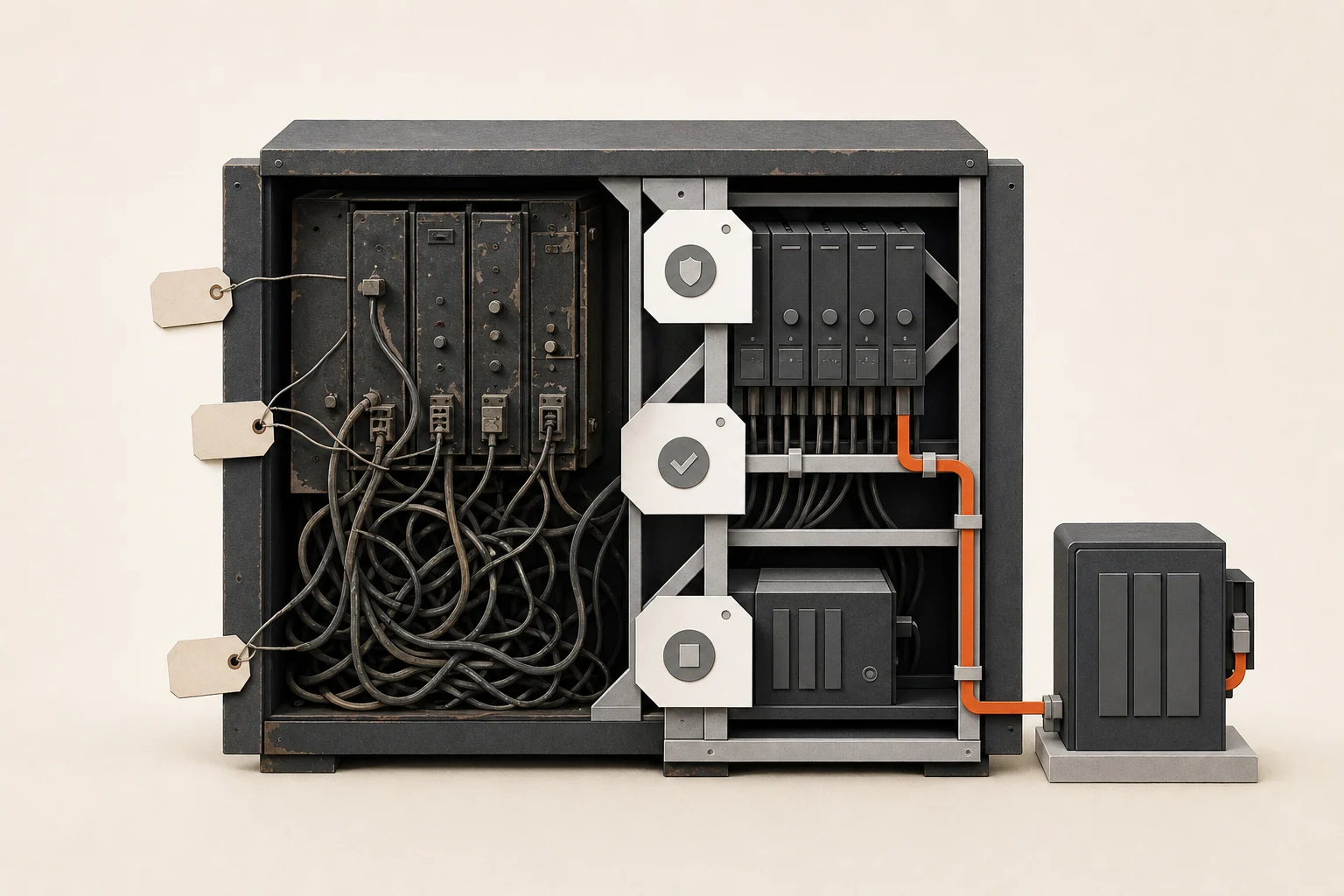
After an acquisition, the operations team inherited a custom internal app. The app was important enough that staff used it every day, but fragile enough that nobody wanted to change it.
The original developer was gone. Deployments were manual. Backups were unclear. A few critical workflows failed weekly, and the team kept parallel spreadsheets because they did not fully trust the system.
Leadership was debating a full rebuild, but nobody had a clear picture of what the existing app did, which parts were risky, and which parts were merely ugly.
This situation is more common than people admit. Acquisitions come with software the way old houses come with wiring — it worked for the previous owner, nobody has the diagrams, and the inspection happens after the purchase.
Business impact
- Staff duplicated work in spreadsheets “just in case”
- Managers could not confidently onboard new people to the system
- Small changes felt dangerous because releases were not predictable
- Nobody knew whether backups could actually restore the business
- Rebuild conversations were happening without enough facts
The biggest cost was not only technical. The team had lost trust. Once that happens, people build manual workarounds around the software, and those workarounds become part of the job. New hires were being trained on the workarounds, which meant the distrust was being institutionalized.
What was broken
The app had a mix of real problems and perceived problems. Some code was messy but stable. Other parts looked harmless but carried business risk.
Authentication needed attention. Deployment steps lived in someone’s memory — and that someone had left in the acquisition. Database backup behavior was not documented; backups were running, but nobody had ever tested a restore, which meant nobody actually knew if the business could recover from a bad day. The workflows that failed most often were tied to a few high-value operational actions rather than the entire system.
That distinction mattered. A full rebuild would have taken months and forced the team to rediscover years of business rules — the pricing exceptions, the approval quirks, the customer-specific behavior encoded in the app and nowhere else. A focused rescue could stabilize the parts that made day-to-day work risky. (For the general framework, see how to decide between fixing and rebuilding.)
What changed
- Mapped the app’s main workflows in plain business language
- Separated urgent production risk from lower-priority cleanup
- Stabilized authentication and access behavior
- Confirmed backup and restore assumptions — including an actual test restore
- Improved the release process so deployments were less scary
- Fixed the highest-risk workflows first
- Documented what the system did, where it was fragile, and what to defer
The project did not try to make the codebase perfect. The first goal was to make the business safer and give leadership enough information to decide what should happen next.
The sequencing was deliberate: access and backups first, because everything else is gambling until the business can recover from a failure; then the weekly-failing workflows, because that’s where trust was bleeding; then documentation, because the next person to touch this system shouldn’t have to start from archaeology.
Result
Critical workflows ran reliably within one fix sprint. The team stopped maintaining parallel spreadsheets for the rescued areas because the system became trustworthy enough to use.
Leadership also got a clearer roadmap. Instead of “rebuild everything” or “touch nothing,” they had a prioritized list: what was fixed, what remained risky, what could wait, and what would justify a future rebuild.
The rebuild conversation didn’t disappear — it got better. When it resumed, it was scoped against documented workflows and known risks instead of frustration, which is a much cheaper conversation to have.
What this prevented
The company avoided a rushed rewrite driven by fear. They also avoided ignoring the problem until a preventable outage forced an emergency project — the untested backups alone could have turned a server failure into a business-ending event.
The better path was stabilization first, then a rebuild decision based on evidence.
FAQ
Can you take over an app without the original developer?
Yes — it’s the normal case for software rescue. What matters is access: source code, hosting, domain, and admin credentials. Recovering those is the first task when they’re missing, and it’s almost always possible.
How do you rescue software you didn’t build, safely?
Read before touching: map the workflows, confirm backups actually restore, and set up a safe way to test changes before they hit production. The first weeks are deliberately boring — that’s what makes the later fixes safe.
What should a buyer check about custom software before an acquisition?
Four things at minimum: does the buyer get the source code, can anyone deploy it, do backups restore, and who has admin access. A short technical due-diligence pass — essentially a pre-purchase Business Systems Audit — costs a fraction of discovering the answers afterward.
Related services
Software Rescue · Business Systems Audit · Ongoing Software Support